How Spirit Level Apps Work: Phone Accelerometers Explained
Your phone knows which way is down because it has a tiny sensor called a MEMS accelerometer. That sensor measures how gravity pulls on the phone along three directions at once. A spirit level app reads those three numbers, runs a bit of trigonometry, and shows you an angle. It does this hundreds of times a second, inside a chip you would struggle to see with the naked eye. This article walks through what actually happens.
- The accelerometer measures how gravity spreads across three axes. It does not measure motion when the phone sits still.
- Pitch and roll come from arctan formulas applied to those three gravity readings.
- Spirit Level Pro runs the raw readings through an exponential moving average (alpha=0.15) to stop the bubble jittering.
- MEMS sensors drift with temperature, so calibrate where you work.
- For a phone held still against a surface, the accelerometer does the whole job. You do not need the gyroscope.
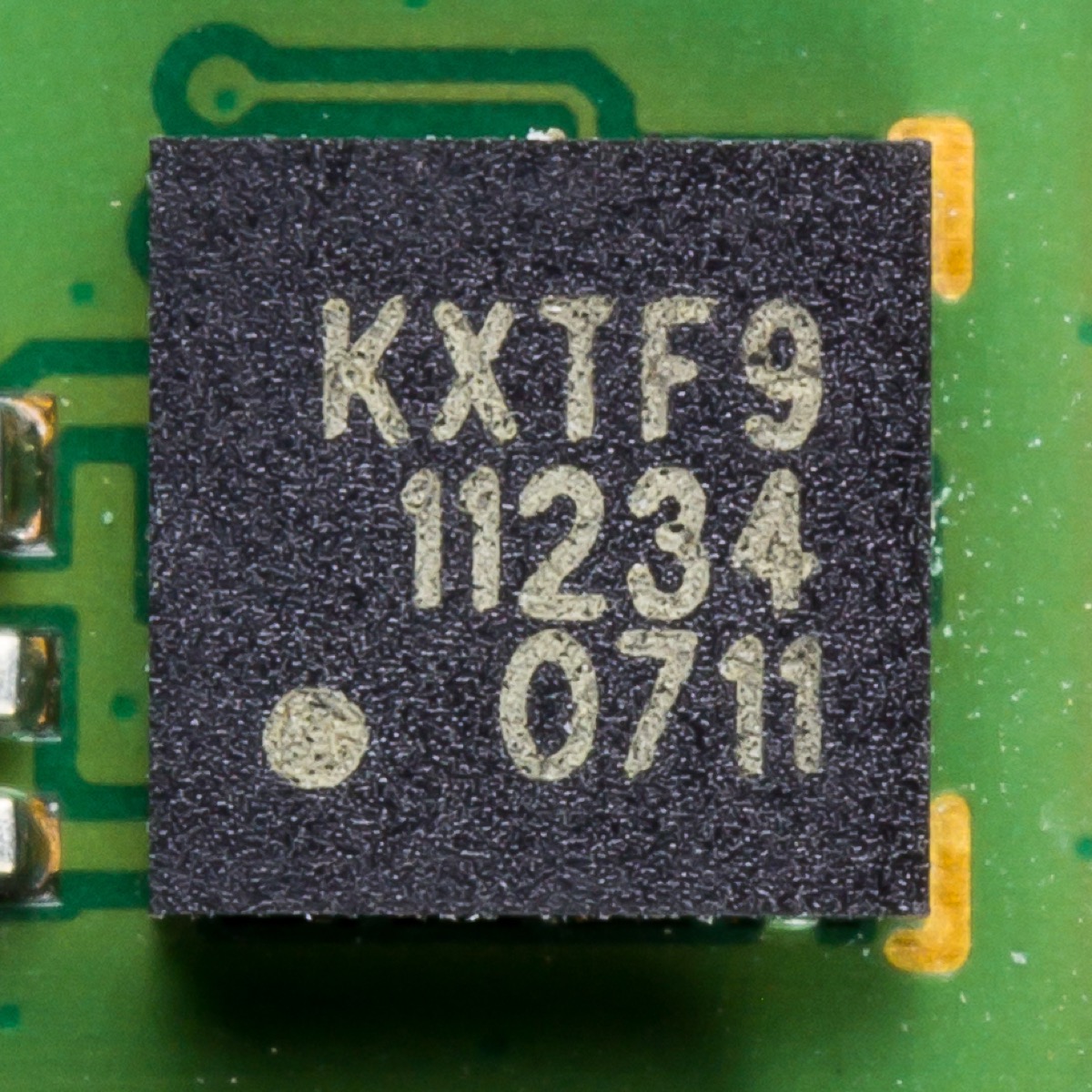
What is a MEMS accelerometer?
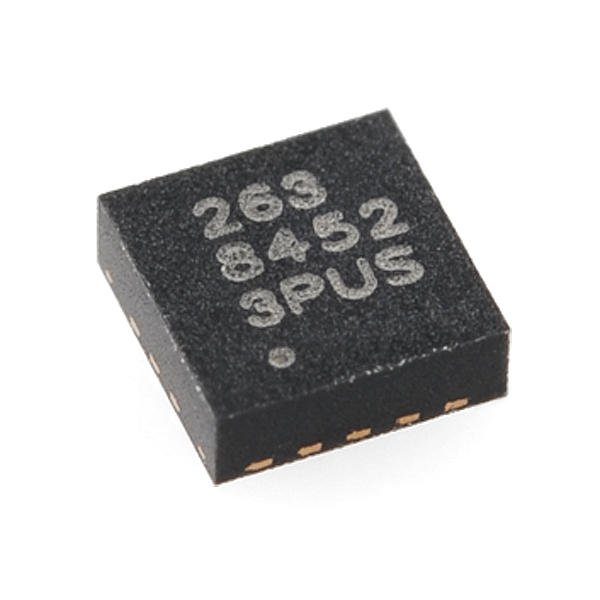
MEMS stands for Micro-Electro-Mechanical Systems. The sensing element inside a phone accelerometer is tiny, a few hundred microns across, smaller than a grain of salt. It sits on the same silicon as ordinary chip electronics and gets made the same way. That is why these sensors are cheap and end up in almost every phone.
The mechanism is simple once you picture it. A tiny mass hangs on silicon springs etched into the chip. When you tilt the chip, gravity pulls the mass slightly off-center. That movement changes the gap between comb-shaped metal fingers, and changing the gap changes the capacitance between them. The chip reads that change and turns it into an acceleration number, measured in g.
Here is the part that makes a spirit level possible. When the phone sits still, the accelerometer is not reading motion. It is reading how much of gravity pulls along each of its three axes. Gravity is a fixed, known force. Once you know how it splits between the three axes, you can work out exactly how the phone is tilted.
How does a 3-axis accelerometer measure tilt?
A three-axis accelerometer gives the phone its own set of directions: X runs left to right, Y runs top to bottom, and Z runs front to back. Lay the phone flat on a table and gravity pulls almost entirely along Z, so Z reads about 9.81 m/s² and X and Y read near zero. Tilt the phone and gravity shifts, less on Z, more on X and Y, in proportion to the angle.
Turning those three readings into angles is basic trigonometry. Pitch is front-to-back tilt, roll is left-to-right tilt, and both come from an inverse tangent:
Those two lines are the whole math core of a spirit level app. Feed in the three raw values, run the calculation, and you get pitch and roll in radians. Multiply by 180/π to get degrees. That is the number on your screen.
You might wonder why the denominator uses the square root of the other two axes instead of just one. It keeps the reading stable through a full rotation. If you divide by a single axis, the math breaks near vertical, because that axis drops to zero and you end up dividing by almost nothing. Using the combined magnitude of both other axes avoids that.
Spirit Level Pro displays live pitch and roll angles with EMA smoothing, five tolerance presets, and one-tap calibration. No download needed.
Try Spirit Level Pro FreeWhy is raw sensor data so noisy?
Raw accelerometer output jumps around more than you would expect. Even a phone sitting dead still shows small wobbles in its readings. Some of that is electrical noise in the sensor itself, some is vibration coming through the surface, and some is rounding error as the analog signal gets turned into numbers. Show that raw stream on screen and the bubble twitches nonstop, which is useless for careful work.
The noise comes from a few sources. Thermal noise is random electrical fluctuation from heat. You cannot remove it, and it sets the floor for how quiet the sensor can ever be. Vibration noise comes from the world around you: a fridge compressor, footsteps, traffic outside. And the sensor's zero point drifts slowly on its own over time. Each one calls for a different fix.
The usual software fix is a low-pass filter. It lets slow changes through, like a real tilt, and holds back fast ones, like vibration. The common way to do it is an exponential moving average, or EMA. Each new reading counts for a fraction, alpha, and the rest carries over from the last filtered value:
Spirit Level Pro uses an EMA with alpha=0.15. We settled on that number after trying a range of values by hand. At alpha=0.05 the reading was glassy smooth but slow, and the bubble lagged behind the phone when you moved it. At alpha=0.3 it kept up well but twitched enough that a precise reading was hard to catch. Alpha=0.15 sits in between. The bubble feels alive without feeling nervous.
What role does the gyroscope play?
The gyroscope measures how fast the phone is turning, in degrees per second. It does not measure which way the phone is pointing. That difference matters. On its own, the gyroscope cannot tell you whether the phone is level. It only knows whether it is spinning and how quickly. For a level reading with the phone held still, the accelerometer already has what you need.
The gyroscope earns its place when the phone is moving, through sensor fusion. Accelerometers read static tilt well but get slow and noisy during fast movement. Gyroscopes track fast rotation well but drift, because their small errors add up over time. A complementary or Kalman filter blends the two: the gyroscope handles quick motion, and the accelerometer pulls the long-term reading back to true.
Most spirit level apps, Spirit Level Pro included, skip sensor fusion because the job is static. You set the phone down, it settles, you read the angle. The accelerometer handles that fine on its own. Sensor fusion matters more when something is in flight, like a drone tracking its own motion, than when you are checking a shelf.
Why does calibration matter so much?
Every MEMS sensor comes out of the factory with a small built-in offset. It is a bias set during manufacturing, and it is the same on every reading: a fixed amount, in a fixed direction. So the chip can read a degree or two off even when the phone is genuinely flat. This is the single biggest reason a spirit level app looks wrong out of the box.
Calibration fixes it by measuring that offset on a surface you trust to be flat, then storing it. Spirit Level Pro saves the values in localStorage under calibrationPitch and calibrationRoll. From then on, every reading subtracts those stored numbers before it hits the screen. The offset is gone.
The difference is large. Skip calibration and a phone with a 1.5° bias reads 1.5° wrong on everything. It can show 0.0° while sitting on a real 1.5° slope. Calibrate the same phone and it drops to a couple of tenths of a degree. That is the biggest single accuracy gain you can get, and it costs nothing but a few seconds.
How does temperature affect accuracy?
MEMS sensors react to temperature. The silicon springs holding the proof mass expand and contract as the chip warms and cools, which shifts the zero point. So carry a phone from a warm car into a cold garage and the reading drifts a little before the sensor settles at the new temperature. It is not a huge shift, but it is real.
The practical takeaway is simple: calibrate at the temperature you plan to work at. A calibration done in a warm office will not fully hold up in a cold garage. You do not need to fuss over this for every job. For hanging pictures or checking a shelf, the drift is too small to see. For tight work inside a couple of tenths of a degree, give the phone a minute or two to settle after a big temperature change, then calibrate.
iPhone vs Android: is the sensor hardware different?
It is, and it shows up in how the app feels. Apple builds its own motion stack. iPhones from the 6s onward carry an Apple motion coprocessor that handles sensor data separately from the main CPU. Samsung Galaxy flagships lean on STMicroelectronics parts that pack a 3-axis accelerometer and 3-axis gyroscope onto one die. Google Pixel phones have used Bosch and TDK InvenSense sensors, depending on the year.
After calibration, a flagship iPhone and a flagship Android come out about the same. The gap that actually matters is between flagship and budget Android. Budget phones use cheaper MEMS with lower resolution, and their raw output is noisier. Calibration still pulls them in close, and for most DIY work the result is fine.
What sets the iPhone apart in a spirit level app is less the accelerometer and more that motion coprocessor. It keeps collecting sensor data at a high rate even when the app is not in front, so the smoothing filter has more samples to work with. That is a big part of why iPhones feel so smooth here, even against Android phones with sensors on paper just as good.
Frequently asked questions
How do spirit level apps work on a phone?
They read the phone's MEMS accelerometer, which measures how gravity pulls along three axes (X, Y, Z). Tilt the phone and gravity shifts between those axes. The app runs arctan formulas to get pitch and roll, smooths the result to calm sensor noise, and shows it as a bubble vial or a number. The whole thing runs hundreds of times a second.
How accurate is a phone accelerometer for spirit level use?
A calibrated flagship phone reads to within a couple of tenths of a degree. Budget Android phones read worse uncalibrated, because their sensors are cheaper and vary more between units. The single biggest factor is calibration: it removes the factory offset and pulls almost any phone in close. For most DIY and trade jobs, a calibrated mid-range phone is accurate enough.
Does a spirit level app use the gyroscope?
For a still phone, no. The accelerometer gives you the tilt angle on its own. The gyroscope measures rotation speed, not position, so it cannot tell you whether the phone is level, only how fast it is turning. Some apps blend both sensors for smoother readings while moving, but for pressing a phone against a wall and reading the angle, the accelerometer does the whole job.
Why does my spirit level app read slightly wrong even on a flat surface?
Usually it is the factory offset. Every MEMS chip has a small built-in bias that makes it read non-zero even when the phone is flat. Calibrating on a surface you trust clears it. Other causes are temperature drift, a phone case that lifts one edge on the surface, or dust under the phone. Calibrating on a clean glass table after any big temperature change sorts out most of it.
The complete picture
Spirit level apps work because the physics behind them is dependable. Gravity is constant, the accelerometer measures it all the time, and trigonometry turns three numbers into an angle. The path from sensing element to bubble is fixed math the whole way. There is no guesswork in it.
What makes one spirit level app better than another is not the hardware. Every flagship phone already ships with sensors that are more than good enough. The difference is the software: how well the raw stream is filtered, how calibration gets stored and applied, how the tolerance presets line up with real jobs. Get those right and a cheap MEMS chip holds its own against dedicated tools that cost far more.
Knowing how the sensor works also makes you better at using it. Calibrate at working temperature. Take the case off for precise readings. Let the number settle for a second before you trust it. Each of those habits comes straight from understanding what the hardware is doing.