7 Tools Your Phone Can Now Replace (Spirit Level and More)
Your phone already has the sensors to stand in for a drawer full of tools. Some of those replacements are good. A couple are only good enough for a rough guess. The trick is knowing which is which before you rely on one for real work. This guide walks through seven tools your phone can take over, and it is honest about where each one falls short.
Key Takeaways
- The spirit level and angle finder are the best of the bunch. A calibrated phone reads to a few tenths of a degree, close to a mid-range hardware level.
- The free NIOSH Sound Level Meter app turns your phone into a decent decibel meter, good enough to tell if a workshop is over the 85 dB mark where you should wear ear protection.
- AR ruler apps drift by 5 to 10 percent under 6 feet. Do not measure anything you plan to cut with one.
- The one tool you should still buy: a tape measure. No app comes close to the quarter-inch accuracy you need for cutting.
- Stud and metal detection through the magnetometer is a backup check, not a primary method for anything structural.
The sensors inside your phone
A modern phone carries a fuller sensor array than most people realize, and knowing which sensor does what tells you how far to trust each tool. The accelerometer measures gravity on three axes. That is what drives the spirit level and the angle finder. The gyroscope tracks rotation and steadies the readings. The magnetometer reads magnetic fields, which is what compass, stud finder, and metal detector apps lean on. Add the microphone, the camera, and the GPS receiver, and you have the raw materials for everything below.
How good each replacement is comes down to the sensor behind it. The accelerometer tools are the most mature, so levels and angle finders are the ones you can trust. The camera-based ruler is the shakiest. The rest land somewhere in the middle.
Tool 1: spirit level
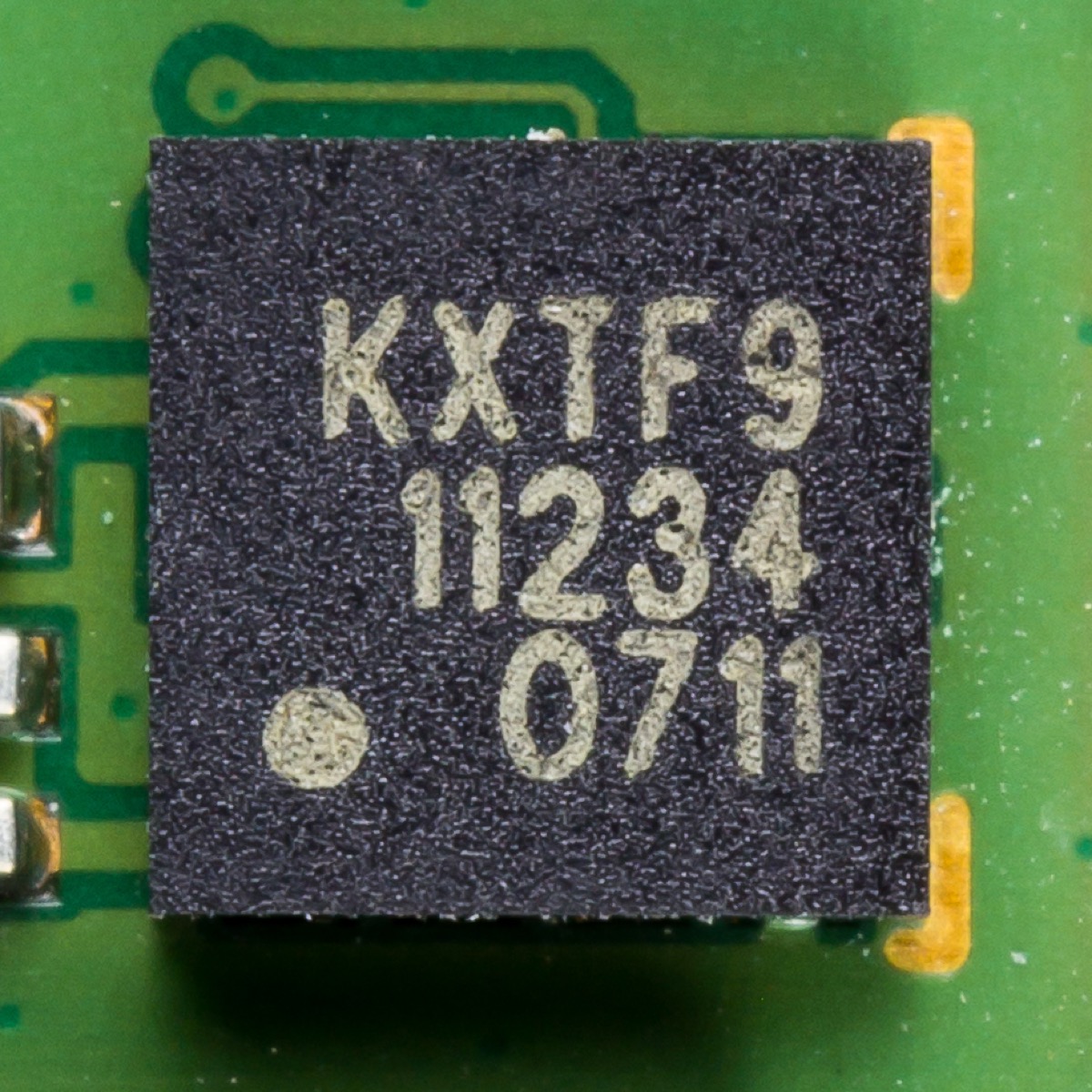
The accelerometer is the standout on this list. Once you calibrate it, a phone reads level to a few tenths of a degree, which is close to what a mid-range hardware level gives you and better than the cheap uncertified levels at the hardware store. The chip that does this has been standard on mid-range phones for years, so you do not need a flagship to get a good reading.
When the phone level is enough
For DIY work, it covers everything: hanging pictures, putting up shelves, leveling an appliance, checking a door frame. It handles most trade work too, from cabinet installs to tiling floors and walls to setting fence posts. The audio feedback and the measurement journal also do things a bubble level never could.
When it is not enough
Survey work or instrument setups that need better than a twentieth of a degree are out of reach. So is any job where you have to bridge a long run and catch a bow in the surface. A phone only measures across its own body, about 6 inches. A 4-foot level spans the highs and lows the phone cannot see.
Spirit Level Pro gives you a calibrated phone level with proximity audio, 6 slope units, and a measurement journal. No download required.
Open Spirit Level ProTool 2: protractor and angle finder
The same accelerometer gives you an angle finder. Lay the phone flat against a surface and read the angle in degrees. For trade work where an exact angle matters, this beats fumbling with a mechanical angle finder. The accuracy is the same as the spirit level, a few tenths of a degree once calibrated.
Where it earns its keep
Setting a miter saw for crown molding is a good example. Crown sits at a compound angle that depends on the wall-to-ceiling corner and the spring angle of the molding, so guessing at 45 degrees rarely works. Measure the real corner angle with the phone and you cut to the number instead. Checking a stair handrail is another. Codes usually want handrails between 34 and 38 degrees from horizontal, and the phone confirms that in a few seconds. Same for a ramp: an ADA ramp cannot exceed a 1:12 slope, which works out to about 4.76 degrees, and the angle finder tells you at a glance whether you are under it.
Slope units help
An app with more than one slope unit makes the angle finder more useful. Spirit Level Pro shows the reading in six units: degrees, percent grade, mm per meter, inches per foot, N:1 ratio, and N:12 roof pitch. No mental conversion. Set the unit to match the spec on your plans and read it straight off.
Tool 3: compass and orientation
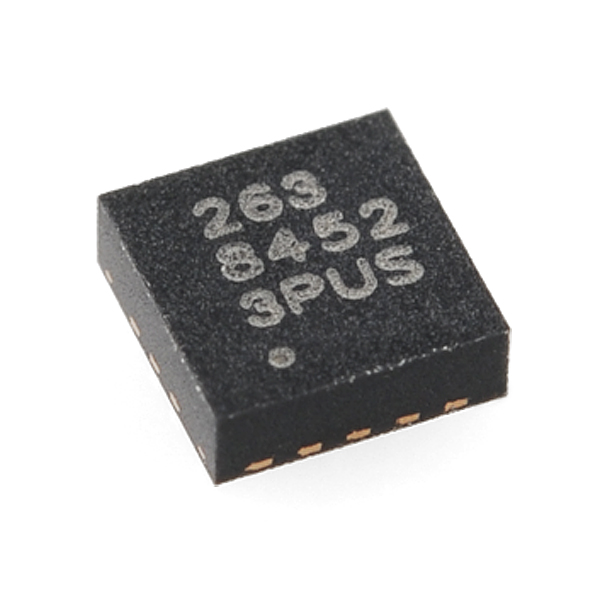
The magnetometer gives you a digital compass. Calibrated, it lands within a few degrees of true, which is fine for general orientation, hiking, working out which way a roof faces for solar panels, or reading wind direction on site. It works offline, so you do not need a signal.
Calibrating the magnetometer
Wave the phone in a figure-8 before you take a bearing. That gesture samples the magnetic field from several angles and helps the phone tell the Earth's field apart from local interference. Do it again whenever you move somewhere new or the readings start jumping around.
When to be careful
The magnetometer reacts to nearby metal. Hold the phone within 6 inches of a steel tool, a magnetic mount, or a car door and the bearing goes wrong. Step away from metal before you read it. The same weakness is why a phone stud finder, which uses the same sensor, throws false readings near appliances or a metal cabinet.
Tool 4: ruler and measuring tool
AR measurement apps use the camera to guess distances by tracking surface features. Apple's Measure app is the built-in example on iOS, and Android has similar apps. They are convenient, but they drift. In practice you can expect the reading to be off by roughly 5 to 10 percent on short distances, and the error grows the further you push it. Apple does not publish an accuracy figure for Measure, which tells you something on its own.
Where the AR ruler is fine
Will this sofa fit in that gap? Roughly how big is the room before I buy flooring? Those are the jobs it is made for. When a tape is not to hand and a few percent off does not matter, the phone is faster and close enough.
The one tool you should still buy
Important: Never use an AR app for anything you are going to cut. A 5 percent error on a 48-inch cabinet opening is nearly two and a half inches, and you cannot un-cut a board. No phone app holds the quarter-inch accuracy that real cutting needs. A tape measure costs about ten dollars and is the one hardware tool worth keeping no matter what your phone can do.
Tool 5: decibel meter
The phone microphone makes a decent sound level meter with the right app. The NIOSH Sound Level Meter app is the one to use. It is free, it comes from the US National Institute for Occupational Safety and Health, and it was built and tested to work well on a phone. OSHA says you should wear hearing protection above 85 dB averaged over an 8-hour day, and a phone with this app tells you clearly whether your workshop crosses that line.
Where it helps
Checking if a shop is loud enough to need ear protection during a long session. Documenting a noisy neighbor for a complaint, since the app timestamps its readings. Confirming that a new furnace, appliance, or power tool runs within its rated noise spec. Keeping an eye on your own exposure at a concert or event.
What to watch out for
A phone microphone clips at very high levels, usually somewhere above 115 to 120 dB. Point it at a pneumatic tool or a power saw up close and it will read low. Real occupational measurement still needs a calibrated Type 1 or Type 2 meter. For everything short of that, the NIOSH app does the job.
Tool 6: stud finder
A phone stud finder reads the magnetometer to pick up the drywall screws and nails driven into studs. It works because those screws are ferrous and sit at regular spacing, usually 16 inches apart. Plenty of apps do this. The catch is that you are finding the screw, not the stud. The lumber behind the drywall is about 1.5 inches wide, and its center sits roughly 3/4 inch to the side of the fastener row.
How to use it well
Slide the phone slowly across the wall, level with the floor, and watch the reading in the app. It climbs as you near a screw and drops off once you pass it. The peak sits right over the fastener. Mark it, then measure about 3/4 inch inward to reach the stud center. Find a second screw straight above the first to confirm the line, since studs run vertically.
When to reach for a real stud finder
For anything that carries weight, like a TV mount, a loaded shelf, or an outlet box, use a dedicated stud finder that has both magnetic and AC wire detection. The AC feature keeps you from drilling into live wiring. A phone cannot sense AC wiring at all, and that gap matters the moment a drill is involved.
Tool 7: metal detector
The magnetometer also does basic metal detection. These apps show a reading that rises as the phone nears iron or steel, which can flag rebar in concrete, a pipe in a wall, or a buried bracket. Range is short. Expect it to react within a couple of inches, and less if the metal is small.
Before you drill
This is where it pays off. Before you drill a wall or a slab, run the phone slowly along the drill line. A spike in the reading means ferrous metal is there. In a wall that is probably a screw, a nail, or a pipe. In concrete it could be rebar or a conduit anchor. The phone will not tell you what it found, only that something is there. Stop and check before the bit goes in.
What it cannot do
It only picks up iron and steel. Copper pipe, aluminum conduit, and other non-ferrous metals stay invisible to it. A real metal detector uses electromagnetic induction and finds any conductor. Treat the phone as a first pass, not a full scan. For renovation work where buried services are in play, call your utility provider to mark the lines before you dig or drill.
Which replacements are worth it?
The seven tools are not equal. The spirit level earns top marks because a calibrated phone really does match mid-range hardware. The stud finder sits near the bottom because finding a screw is not the same as finding the stud center, and the missing AC detection is a genuine safety gap. The table below sums up where each one lands.
| Tool Replaced | Phone Sensor Used | Accuracy | Rating |
|---|---|---|---|
| Spirit level | Accelerometer | ±0.1°-0.3° calibrated | ★★★★★ |
| Protractor / Angle finder | Accelerometer | ±0.1°-0.3° calibrated | ★★★★☆ |
| Compass | Magnetometer | ±2°-5° | ★★★★☆ |
| Ruler / Tape measure | Camera (ARKit/ARCore) | ±5%-10% (<6 ft) | ★★★☆☆ |
| Decibel meter | Microphone | ±2-3 dB | ★★★★☆ |
| Stud finder | Magnetometer | Detects fasteners, not centers | ★★☆☆☆ |
| Metal detector | Magnetometer | Ferrous metals within 2-3 inches | ★★★☆☆ |
The high ratings for the level and angle finder come down to how mature the accelerometer is. The compass and decibel meter score well because the sensor and a good app get you close enough for most jobs. The AR ruler sits in the middle since it is handy but loose. The stud finder and metal detector rank lower for one reason: the magnetometer is a magnetic field detector, not an X-ray. Use them as a starting point, not the last word.
Frequently asked questions
Can my phone replace a tape measure?
Not reliably. AR apps like iOS Measure drift by 5 to 10 percent on short distances. For anything that needs quarter-inch accuracy, like cutting lumber, fitting a door, or laying tile, a tape measure is the only safe call. Use the phone for a rough estimate, never for a measurement you plan to cut to. The tape is the one dedicated tool still worth buying.
How accurate is a phone as a decibel meter?
Within a few dB when you use a good app. The free NIOSH Sound Level Meter app, published by the US government, was built and tested to hold that range on a phone. The microphone clips somewhere above 115 to 120 dB, so do not point it at very loud sources. For shop safety checks and documenting a noisy neighbor, a phone with the NIOSH app is plenty.
Can a phone find studs in a wall?
Up to a point. The magnetometer finds the drywall screws near a stud, but not the stud center itself. Use it as a backup after a real stud finder, or for a quick scan before you drill. For anything that carries weight, like a TV mount or a heavy shelf, use a dedicated stud finder with AC wire detection. A phone cannot sense live wiring, and that is the safety gap that matters here.
Which phone sensor tools are worth relying on for real work?
The spirit level and angle finder are the ones to trust. Calibrated, they read to a few tenths of a degree, close to a mid-range hardware level. The compass and decibel meter are accurate enough for most everyday jobs. The AR ruler, stud finder, and metal detector are handy for a quick check, but do not lean on them for precision or structural work.